Killing a horseman
I've never managed to release a game. Not once. I've been making them since I was about twelve, so what's the deal?
I blame it (well some of it) on what I've started calling my horsemen.
These fuckers bastards are the tasks too boring to complete.
Looking back, for each project I've had, there's always been this one moment that breaks me. A task so boring I put it off for a day, then a week, and then suddenly months have gone by and I've fallen out of love with the whole project. It was the one chore sitting between me and the fun part, big enough to kill my momentum. Every project has one. Turns out I have three.
I'm starting over now, with more drive than I've had in years. I graduate soon, and the plan is to be working on my own games full time within a few years. To get there, I have to put my horsemen down one by one.
The three horsemen
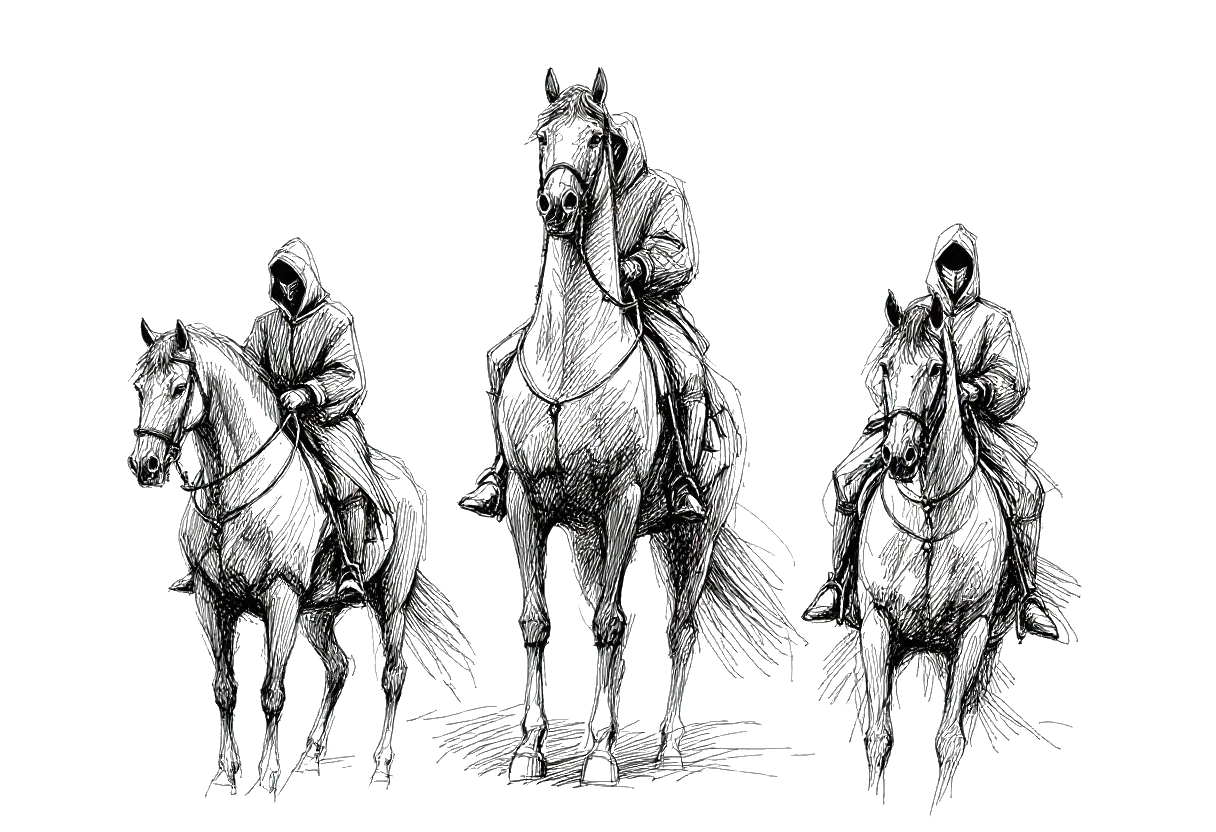
For me, as a programmer, the worst of it is the 3D workflow. Three horsemen of excruciating pain:
- Animation
- Materials
- Level design
I've mostly made peace with animation and level design.
Materials were the last one standing. And materials are a special kind of awful, because the pain is split across two programs that refuse to talk to each other.
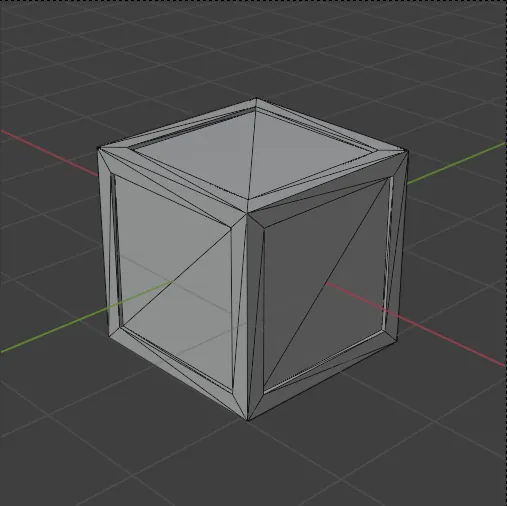
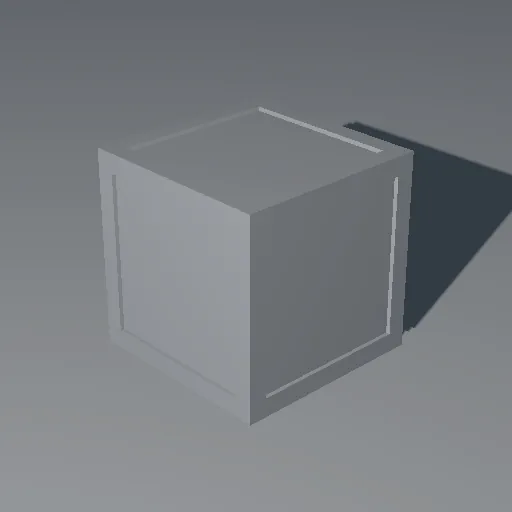
Here's how it actually goes. I'm in Unity, building something, and I realize I need a new asset. A wooden box, say. Easy. I open Blender, throw down a cube, inset a few faces, done in a minute. I'm having fun.
Then it's time for the material, and the fun stops.
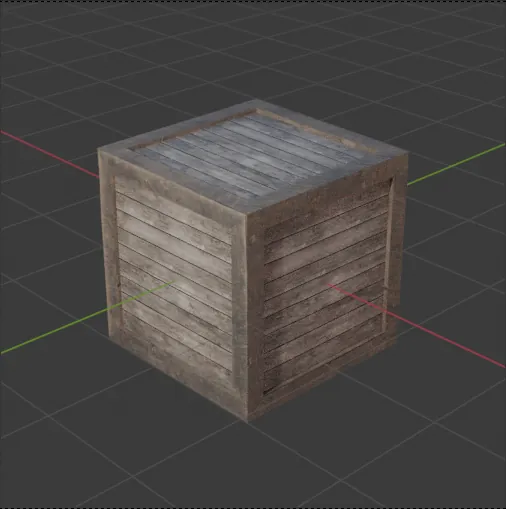
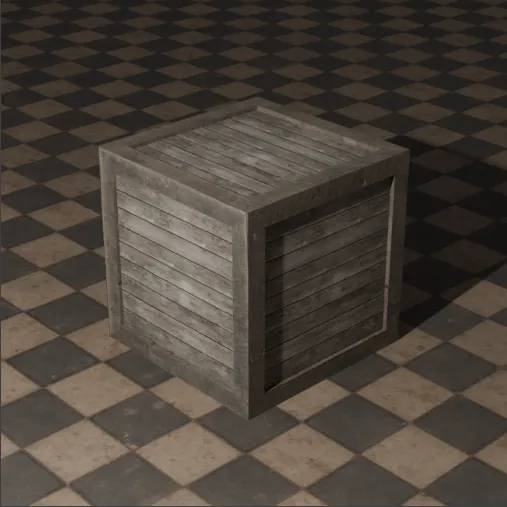
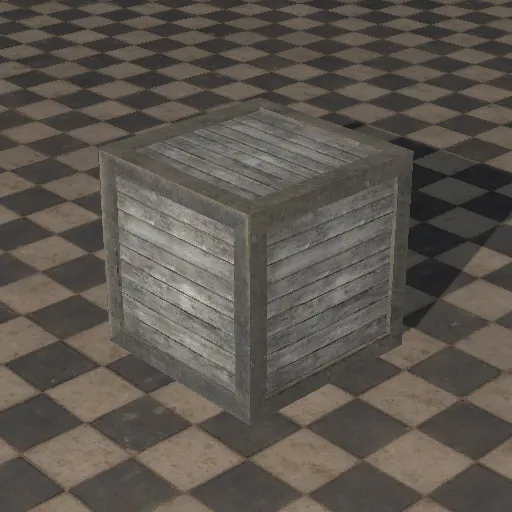
I go find a material online. I download the textures. I set the material up in Blender by hand — dragging, dropping, hooking nodes together. Fine. I build my little box, export the FBX, and import it into Unity. And the materials don't work. Of course they don't. So now I get to make a new material asset in Unity, move the textures across again, create folders to put them in, and wire every map up one by one.
Blender
 .fbx
.fbx
Unity
 .fbx
.fbx
Gray box
Assign maps
Import · folders
Textured box
That's the moment. Right there, on the wooden box, is where projects die for me.
That's the horseman.
Making materials easy
At some point I just said: I'm not doing this anymore.
I'm not a 3D artist.
So I don't need advanced, hand-tuned materials for everything. I need a big library of decent, ready-to-go ones that exist in both programs at once, with names that line up so nothing breaks on the way across.
So I built that. It's called matbridge.
The idea is simple. I pull a pile of materials once, from Poly Haven which is CC0 and an awesome site, and a script generates them programmatically in both Blender and Unity. Same materials, same names on each side (M_oak_planks, M_brushed_metal, and so on). Because the names match, Unity's FBX importer recognizes the materials coming in from Blender and links them automatically. No re-importing textures. No rebuilding anything. No wiring slots one at a time.
Now the workflow is the one I always wanted. I model the box in Blender, assign the closest material I already have, export just the mesh, and drop it into Unity. The box shows up textured. I never think about materials again. I focus on the fun stuff.
Blender
Unity
One down. Two horsemen to go.
Grab it
matbridge is open source and free. If you bounce between Blender and Unity and you've felt this exact pain, go take a look. It might save you the same hours it saved me.